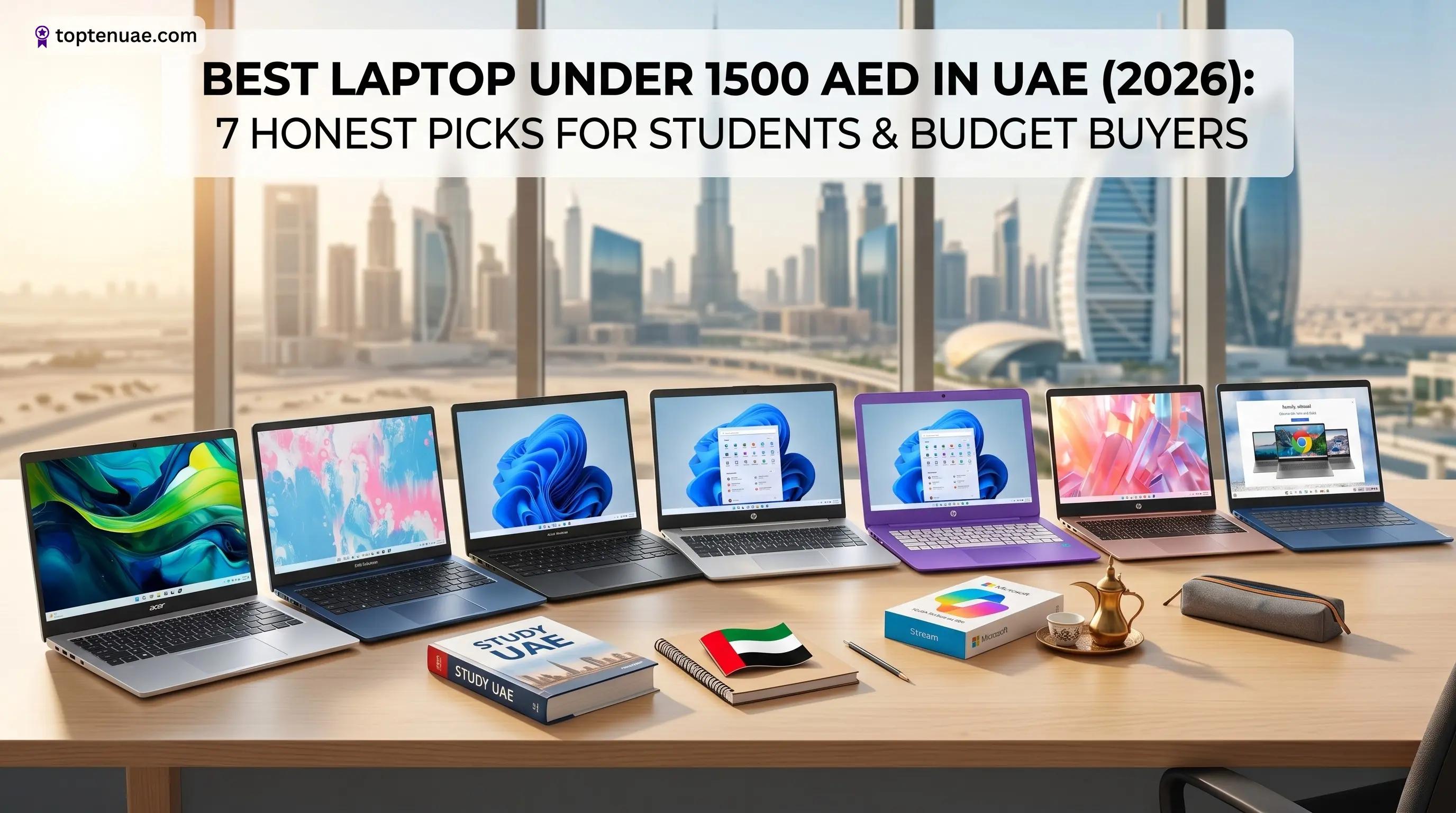
Best Laptop Under 1500 AED in UAE (2026): 7 Honest Picks for Students & Budget Buyers
Last Updated:
Transparency: TopTenUAE is reader-supported. When you buy through links on our site, we may earn an affiliate commission (at no extra cost to you). Learn more
Quick Jump To:
Can You Get a Good Laptop Under 1500 AED in the UAE?
Yes — but you need to know where the compromises are. At this price, you're looking at laptops built for the essentials: browsing, Office and Google Docs, online classes, streaming, and light multitasking. You won't get heavy gaming or video editing, and that's fine for most students and home users.
The trick is matching the right compromise to your needs. Some of these laptops save money on the screen (720p instead of Full HD), some on RAM (4GB vs 8GB), and some run a lighter operating system. Below, we've picked 7 that get the balance right for different people — and we're upfront about each one's weak point, because a cheap laptop with the wrong trade-off is a waste of money, not a bargain.
Prices below are from Amazon.ae(opens in a new tab) as of June 2026 and can change — always check the live price using the button on each laptop.
How We Chose
We focused on laptops genuinely available on Amazon.ae around the 1500 AED mark, prioritising models with real customer reviews (not unrated listings), Full HD screens where possible, and at least 8GB of RAM for Windows machines. We've ranked by overall value for a typical UAE student or home user, and flagged exactly who each one suits.
Our Top Recommendations
#1
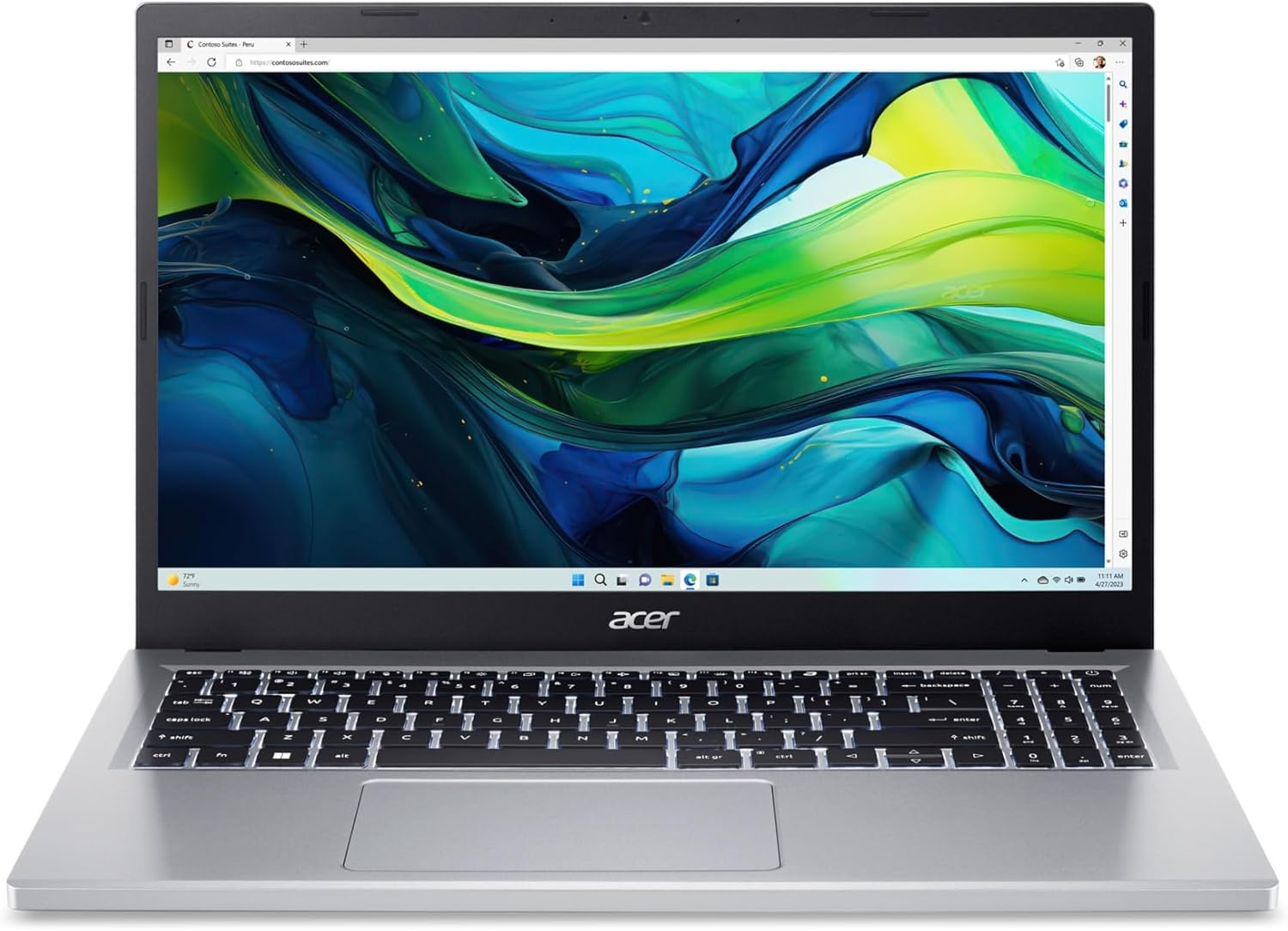
Acer Aspire Go 15 (i3-N305, 8GB, FHD IPS)
Best Overall Value
The Verdict
The best all-round value under 1500 AED — and with over 1,100 reviews, the most proven pick on this list. Ideal for students and home users who want a sharp Full HD IPS screen and a capable 8-core processor without overspending.
Highlights
Full HD IPS display
8-core efficiency CPU
Copilot key
lightweight
Wi-Fi 6
Tech Specs
Processor
Intel Core i3-N305 (8-core)
RAM
8GB LPDDR5
Storage
128GB SSD
Screen
15.6" FHD IPS (1920×1080)
Graphics
Intel UHD
OS
Windows 11 Home (S Mode)
Battery
~11.5 hrs
Weight
1.75 kg
The Good
Excellent value
sharp IPS Full HD screen
huge number of positive reviews
good battery life
light to carry
Watch Out
Only 128GB storage
non-touch screen
ships in Windows S Mode (easy to switch out)
Why we picked this
"Most reviews of any pick (1,115) plus a Full HD IPS screen — the safest budget choice."
As an Amazon Associate I earn from qualifying purchases.
#2
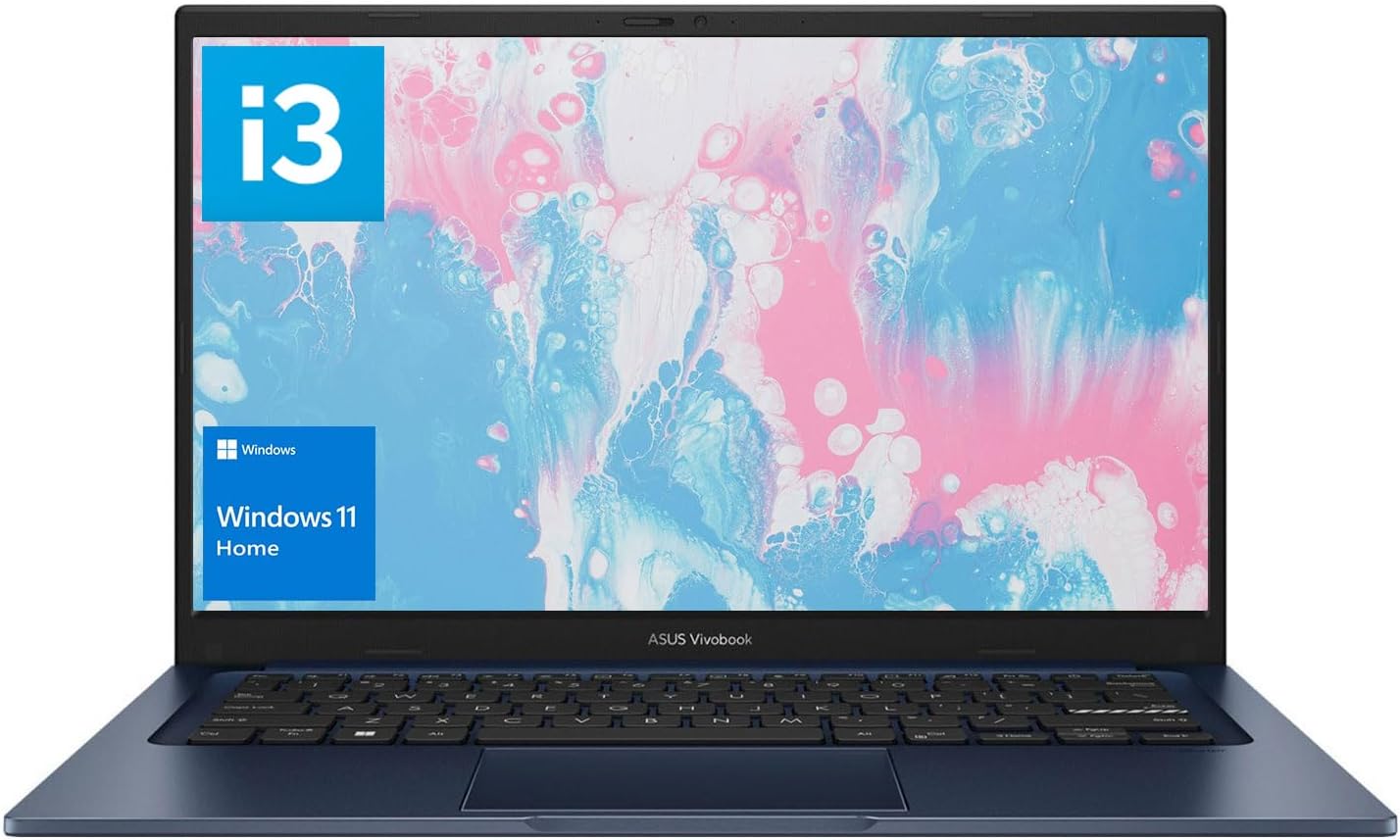
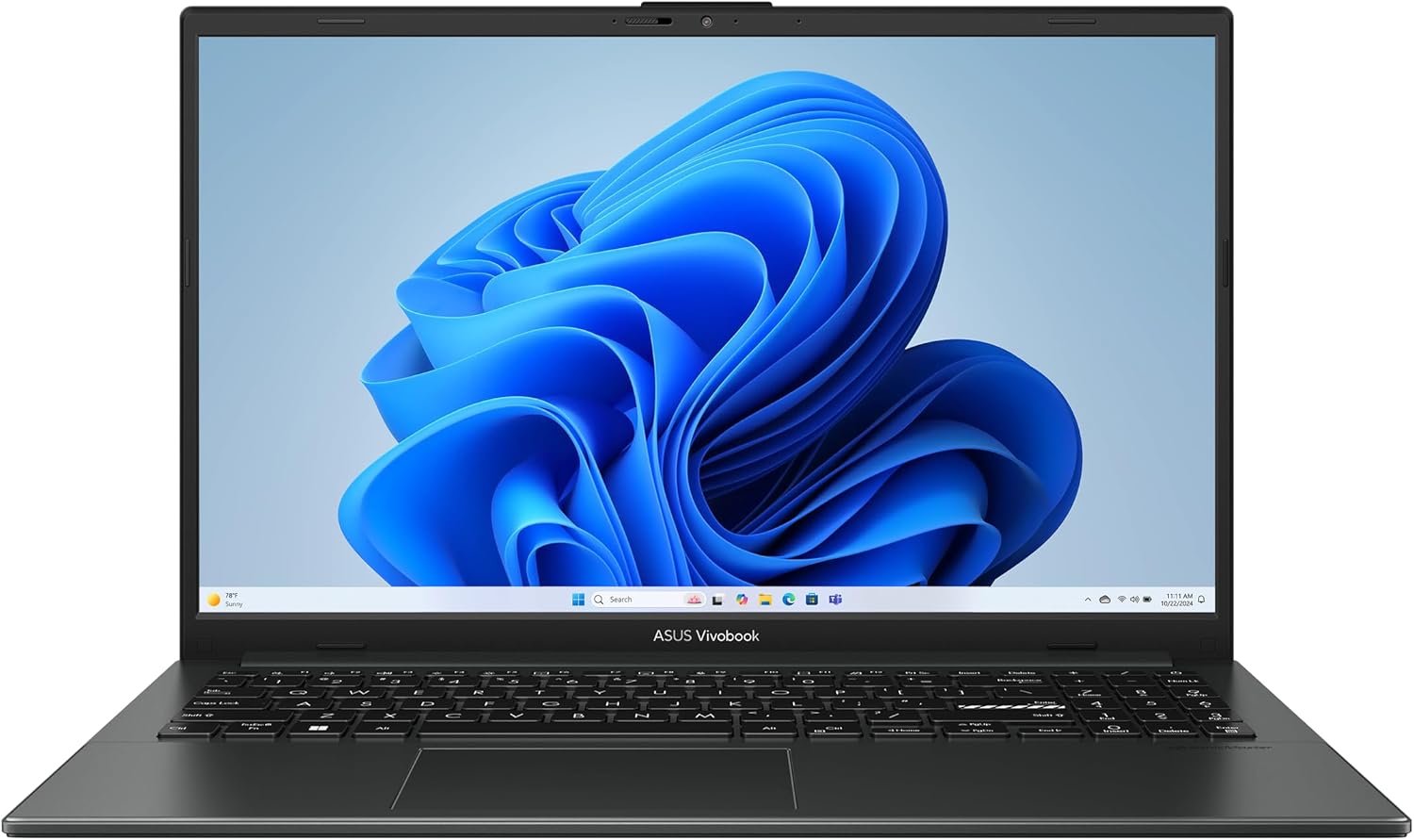
ASUS Vivobook 14 X1404VA (i3-1315U, 8GB, FHD)
Best Price for Specs
The Verdict
The best price-to-spec pick — the cheapest strong option here, with a 6-core processor and a Full HD screen in a light 14-inch body. Great for students who want portability without dropping to a 720p screen.
As an Amazon Associate I earn from qualifying purchases.
#4
ASUS Vivobook Go 15 E1504FA (Ryzen 3 7320U, Military-Grade)
Best Build Quality
The Verdict
The most durable pick, with military-grade build and DDR5 memory. Best for students who want something that survives daily commuting and backpack life.
As an Amazon Associate I earn from qualifying purchases.
#5
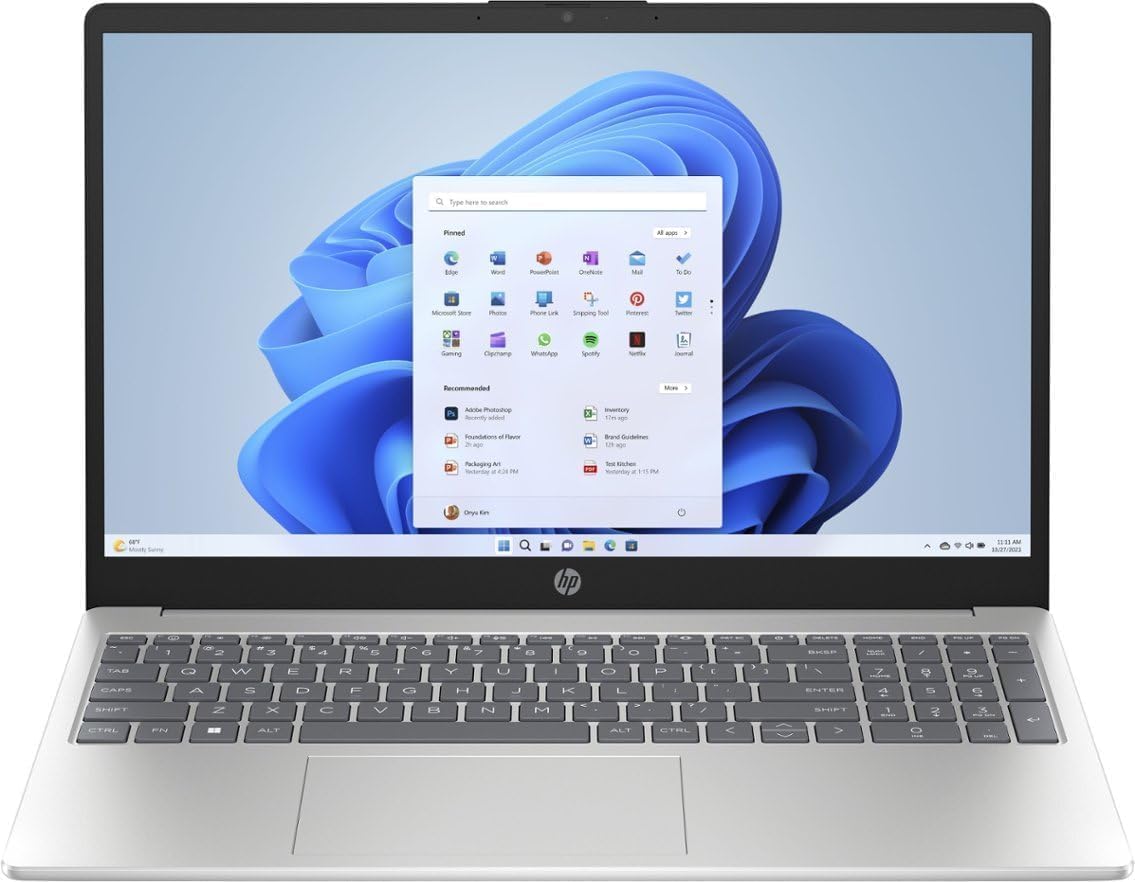
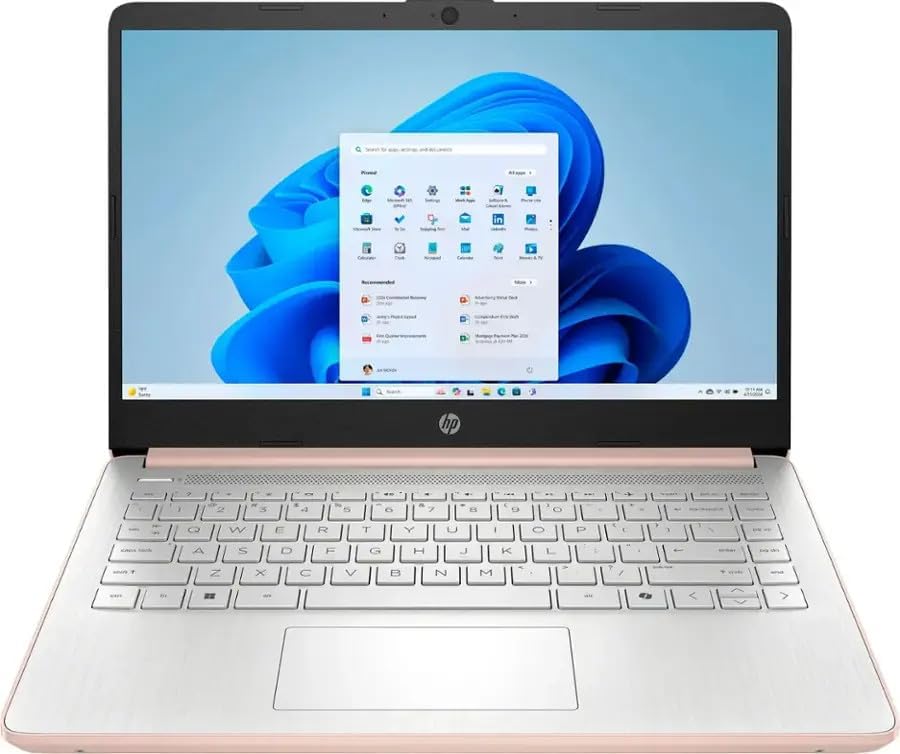
HP 14 Student Laptop (Intel N150, 16GB RAM)
Best for Multitasking
The Verdict
The pick for multitaskers on a budget, thanks to a rare 16GB of RAM plus a year of Office 365 and cloud storage. Best for students who keep many tabs and apps open.
Highlights
16GB RAM (most on this list)
1 year Office 365 + 1TB cloud
docking station included
Wi-Fi 6
Tech Specs
Processor
Intel N150 (4-core)
RAM
16GB DDR4
Storage
128GB SSD (+128GB microSD)
Screen
14" HD (1366×768)
OS
Windows 11 Home
Extras
1yr Office 365, docking station
Weight
1.45 kg
The Good
Most RAM here (16GB)
includes Office 365 and cloud storage
highest customer rating
docking station bundled
Watch Out
720p HD screen (not Full HD)
entry-level N150 CPU
128GB onboard storage
Why we picked this
"16GB RAM (most here) plus Office 365 and cloud storage."
As an Amazon Associate I earn from qualifying purchases.
#6
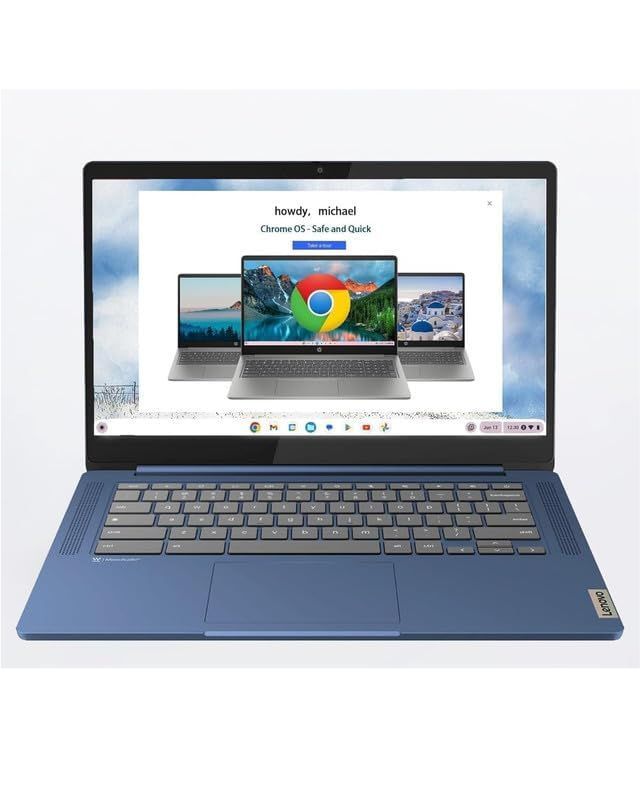
Lenovo Slim 3 Chromebook 14" Touchscreen
Best Chromebook & Battery
The Verdict
he best pick for browser-based study and battery life — and the cheapest on the list. Best for students who live in Google Classroom, web apps, and streaming.
Highlights
Longest battery (13.5 hrs)
Full HD touchscreen
ChromeOS (fast and secure)
lightest pick
Wi-Fi 6
includes accessories
Tech Specs
Processor
MediaTek Kompanio 520 (8-core)
RAM
4GB
Storage
64GB eMMC (+64GB card)
Screen
14" FHD Touch (1920×1080)
OS
ChromeOS
Battery
~13.5 hrs
Weight
1.3 kg
The Good
Cheapest on the list
superb battery life
Full HD touchscreen
very light, fast and secure ChromeOS
strong review count
Watch Out
ChromeOS can't run Windows software
only 4GB RAM and 64GB storage
average webcam
Why we picked this
"Cheapest pick, 13.5-hr battery, Full HD touch — ideal for web-based study."
As an Amazon Associate I earn from qualifying purchases.
#7
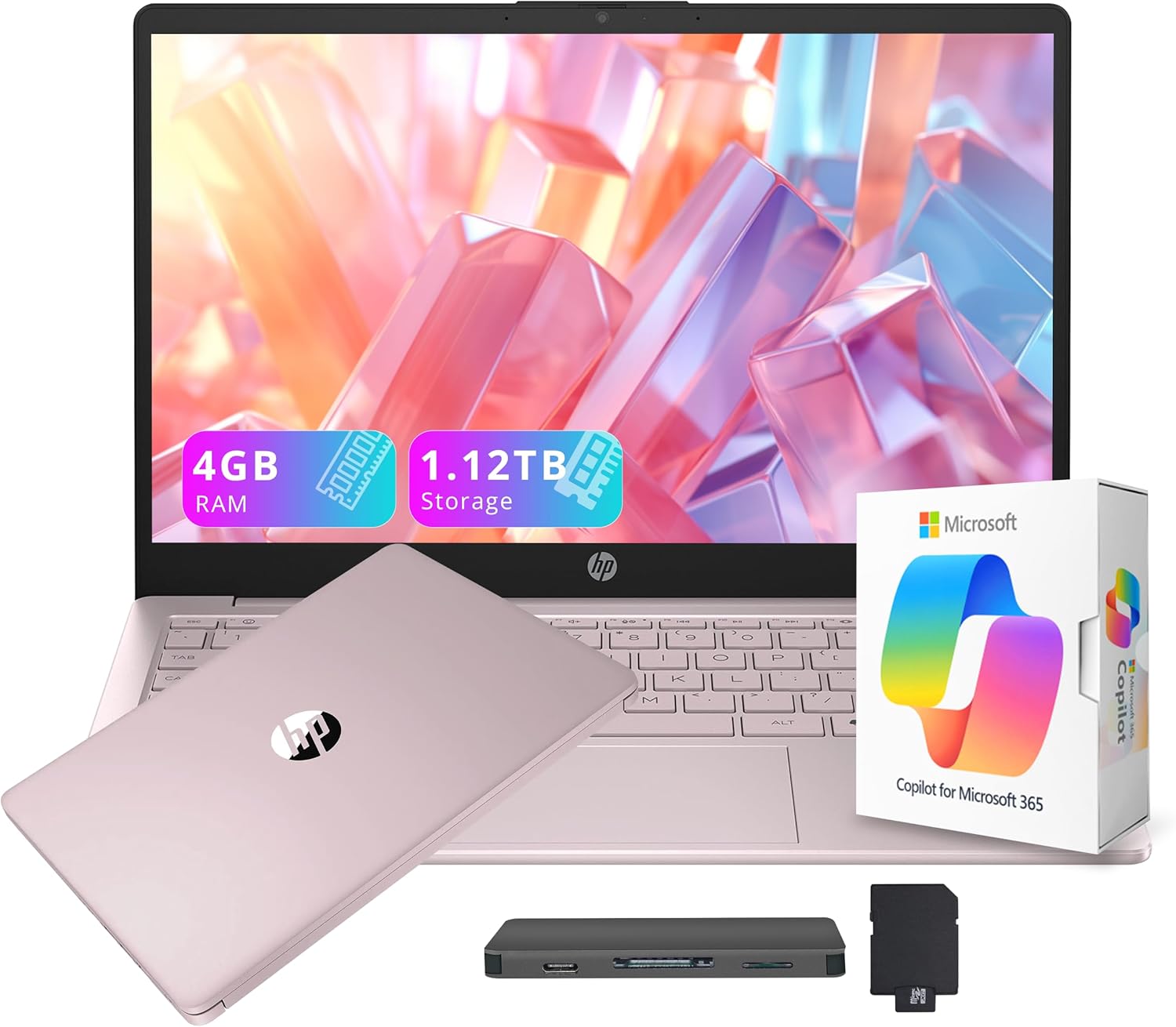
HP Stream 14 (Intel N150, 4GB, Cloud Storage)
Best Lightweight Budget Pick
The Verdict
The pick for the lightest, simplest, cheapest Windows option — best for very light users (basic documents, browsing, streaming) who value portability and a cloud bundle over speed.
Highlights
Light and portable
includes docking station with 1TB storage
1yr Office 365
Wi-Fi 6
AI Copilot
Tech Specs
Processor
Intel N150 (4-core)
RAM
4GB DDR4
Storage
128GB UFS (+1TB docking station)
Screen
14" HD (1366×768)
OS
Windows 11 S
Battery
long
Weight
1.47 kg
The Good
Affordable
very light
big cloud/docking storage bundle
decent battery
Watch Out
Only 4GB RAM (limits multitasking)
720p screen
runs Windows 11 in S Mode
Why we picked this
"Lightest, cheapest Windows option with a big cloud bundle — for light use."
RAM (memory): 8GB is the comfortable minimum for Windows 11. 4GB will work for very light use (one or two browser tabs, basic documents) but will feel slow with multitasking. If you keep many tabs open, prioritise 8GB.
Screen: A Full HD (1920×1080) screen is much sharper than HD (1366×768). At this budget some laptops still use HD panels — fine for basic use, but if you read or work for long hours, Full HD is easier on the eyes. IPS panels (like the Acer Aspire Go) give better viewing angles.
Storage: A 256GB SSD is ideal — fast and roomy enough for most students. Some budget models use 128GB; pair those with cloud storage (Google Drive, OneDrive) or a microSD card.
Processor: Intel N150/N305 and AMD Ryzen 3/5 chips here are made for efficiency, not power. They handle everyday tasks well. Don't expect them to run demanding games or heavy editing.
Windows vs ChromeOS: If your work lives in a browser (Google Classroom, web apps, streaming), a Chromebook like the Lenovo Slim 3 is fast, secure, and has superb battery life. If you need specific Windows software, pick a Windows model.
Are Laptops Cheaper in Dubai Than Other Emirates?
Prices are broadly similar across the UAE because major retailers (Amazon.ae, Noon, Sharaf DG, Carrefour) price nationally. Dubai has more physical electronics stores (like at Dubai Mall or Bur Dubai's computer shops) so you may find more in-person deals, but online prices on Amazon.ae are usually the same whether you're in Dubai, Abu Dhabi, or Sharjah. Shopping online also makes it easy to compare and catch sales like White Friday.
Where Is the Best Place to Buy a Budget Laptop in the UAE?
Amazon.ae offers the widest range, genuine customer reviews, and easy returns (typically 15–30 days), which is why we link there. Noon and Sharaf DG are also solid, and Sharaf DG's physical stores let you see the laptop first. For the best value, compare the live price across a couple of these before buying — and watch for sale events.
Also Read
Once you've found your laptop, these guides help you get the most from it:
Which laptop brand is best for students in the UAE?
There's no single "best" brand — Acer, ASUS, HP, and Lenovo all make reliable budget laptops. For students, focus on the specs that matter (8GB RAM, an SSD, Full HD screen) rather than the brand name. From our picks, the Acer Aspire Go 15 offers the best all-round value with the most customer reviews, while the Lenovo Chromebook is excellent for browser-based study.
Is 4GB RAM enough for a student laptop?
It's the bare minimum. 4GB works for light, single-task use (one document, a few browser tabs) but struggles with heavy multitasking. If your budget allows, an 8GB model like the Acer Aspire Go or ASUS Vivobook will feel noticeably smoother and last longer before feeling dated.
Can I use these laptops for online classes and Zoom?
Yes. All of these have webcams and handle video calls, Google Classroom, Teams, and Zoom comfortably. For the smoothest experience with many apps open at once, choose an 8GB RAM model.
Are these laptops good for gaming?
Not for modern, demanding games — they have integrated graphics built for efficiency. They can run light or older games and browser games fine. For serious gaming you'd need a dedicated graphics card, which is well above the 1500 AED budget.
Should I buy a Windows laptop or a Chromebook?
Choose Windows if you need specific software (certain university programs, desktop apps). Choose a Chromebook (like the Lenovo Slim 3) if your work is browser-based — you'll get better battery life and speed for less money.
Product Safety Disclaimer
While we select products with high safety ratings, always read the user manual and manufacturer's safety warnings before use. Specifications (such as voltage or materials) may change without notice. TopTenUAE is not responsible for misuse of any recommended products.